Hiring a Google Ads Agency – What To Know Before You Sign


Approx 7 minute read. This content was created by an experienced PPC manager – a real human being, and was not written by AI.
So you’re considering hiring a Google Ads agency to save yourself time, stress and money, and set your business up for success and growth with the help of experienced experts. But after a few google searches you’ve realised making the right choice isn’t as easy as it seems. In this guide, we’ll help you navigate choosing the right agency for you, what to look out for, and how to make the most of the service you’re paying for.
Why choosing the right Google Ads agency matters
Hiring a Google Ads agency can be one of the most impactful decisions a brand makes. The right partner can significantly improve your PPC success, revenue, reduce wasted spend, and help you scale effectively. The wrong partner can waste your limited budget, deliver poor reporting, and leave you feeling stuck and frustrated with no clear strategy. Many businesses end up having disappointing experiences which can then go on to impact how they invest in PPC long into the future… so you can see how these issues compound to negatively impact your business both short and long term.
Understanding What a Google Ads Agency Actually Does
First it’s essential to understand what an agency is actually going to provide you, especially if this is your first time employing one to take care of your PPC for you.
Campaign management vs. strategic partnership
A strong Google Ads agency does more than tweak bids or build a few campaigns. You’re looking for a partner who:
-
- Understands your products and margins
-
- Builds a strategy tailored to your brand, and your customer journey
-
- Focuses on sustainable growth, not just vanity metrics
Basic campaign management might keep your account running, but a true strategic partner looks at the bigger picture; your offer, your competitors, your profit, and your long-term goals.
What’s usually included (and not included)
Most agency packages include:
-
- Strategy development (audience and keyword research, etc)
-
- Campaign setup
-
- Campaign management and optimisation
-
- Conversion tracking setup
-
- Monthly reporting and calls
What might be included:
-
- Google shopping set up
-
- Google product feed set up or management
Often not included (important to know upfront):
-
- Product strategy (which products to advertise)
-
- Offer and promotion strategy
-
- Creative production
-
- Website CRO work
-
- Product photography or landing page design
-
- Full product feed rebuilds
Clarity here will prevent frustration later, a good agency will take you through what you can expect from the very start. Making it clear for you what is included and what isn’t to avoid any surprises.
How great reporting should look
Asking to see an example of a report before you sign up is a great idea. As part of your service you should receive at least one detailed performance report per month which should include:
-
- Clear performance summaries, with comparisons to the previous month as well as longer term performance trends shown clearly also.
-
- Explanations of what changed and why
-
- Insights written by an account manager, not just numbers
-
- Performance broken down by campaign, keyword, products.
-
- Notes on what work is upcoming or planned for the coming months.
The best agencies will also be willing to customise reporting somewhat for you and your team if needed. Although it’s common for agencies to use reporting platforms to help them save time, don’t feel you have to put up with a template that does nothing for you.
Proof of ongoing testing and strategy iteration
A strong PPC agency should be consistently bringing you suggestions and ideas of where to improve, scale or test. You should expect proactive ideas at least every few months on what to be testing.
-
- Recommended tests, with suggested budgets.
-
- Clear hypotheses for the test in question.
-
- Creative recommendations and feedback
-
- Structured reporting on results
If you are never getting feedback or proactive ideas for testing from your agency, it’s a warning sign that they may not be particularly engaged with your account.
Check That Are You Ready to Hire An Agency
Budget readiness: Can you justify outsourcing?
As a rule of thumb, outsourcing PPC usually makes sense when:
-
- You’re spending at least £3k–£5k/month on Google Ads
-
- Or you plan to reach that level within the next few months
Below this, the cost of hiring a Google Ads agency may outweigh the benefits.
Tracking foundations you need
Before an agency can run profitable campaigns, you need:
-
- Basic tracking set up (Ideally GA4 and Google Ads conversions)
-
- A high-quality product feed
-
- Accurate revenue reporting
An agency can and will help with fixing a poor tracking set up during onboarding, but it’s essential to at least make sure you have the basics covered – or the ability to edit your website to implement any changes that are required. Without solid tracking, even the best agency will struggle to optimise effectively.
Who will handle creative, product updates, CRO?
Successful PPC is collaborative and involves more than just great PPC campaigns in your Google Ads account. Your website needs to work well, your product strategy needs to be strong, and your creative needs to be attractive and engaging. Consider:
-
- Who will provide creative assets?
-
- Who updates product feeds and stock availability?
-
- Who handles site changes or CRO improvements?
The clearer these roles are, the smoother your agency partnership will be. If your team is still small make sure to communicate your limits to your agency before you move forward so they know what to expect.
What to Look for in a Great Ecommerce-Focused Agency
Choose an agency that specialises in what you truly need. Hiring a Google Ads agency that hasn’t proven a track record in your niche may be unwise. As a product focused business you will want a PPC team who knows the ins and outs of ecommerce PPC.
Experience in ecommerce-specific PPC
Ecommerce PPC is its own discipline. Look for an agency experienced with:
-
- Google Shopping
-
- Performance Max campaigns
-
- Feed optimisation and Merchant Centre
-
- Multi-channel attribution
Generalist agencies can struggle with the nuances of product performance, margins, and stock cycles. Make sure that your agency has at least a few strong case studies demonstrating strong ecommerce results.
Their approach to measuring success
A serious ecommerce agency talks about more than just generating revenue and ROAS, they will also bring up:
-
- ROAS (return on ad spend)
-
- POAS (profit on ad spend)
-
- LTV (Lifetime customer value)
-
- Contribution to total revenue, not just Google Ads revenue
If they only talk about revenue or ROAS, that can be a red flag that they’re not engaging deeper with data and providing more nuanced insights to clients.
Red Flags to look out for when hiring your agency
Here are some core things to look out for when choosing your agency. All of these are “red flags” that should definitely make you think twice about hiring or signing a contract:
-
- No proactive ideas or testing roadmap
-
- Only talking about bid adjustments and keywords
-
- No conversation about margins, stock levels, or customer lifetime value
-
- Reporting that’s purely surface-level (spend, clicks, ROAS)
-
- Requiring long, upfront contracts (3-6 months is standard).
-
- Overpromising guaranteed results. Google Ads performance can’t be guaranteed. Anyone offering guaranteed ROAS is a risk.
-
- No access to your own ad accounts. You should always retain full access and ownership.
-
- Lack of case studies
An agency should analyse, strategise and optimise, not just tweak your account.
Critical Questions to Ask Before Signing
Ask these essential questions before hiring a Google Ads agency, to make sure they are going to be the best fit for you:
Who will actually manage your account day-to-day?
Is it a senior strategist, a junior, or a rotating team? Make sure you are happy with who is actually going to be working on your account regularly. Beware of agencies that try to hide freelance account managers behind their initial sales teams. You should know the person actually managing your account, and be in regular communication with them.
How do you handle low-performing months?
Strong agencies have protocols for diagnosing dips, not just excuses after the fact. When you ask this question, they should ideally respond with a list of diagnostic points they would look into to work out why a month was low performing… but also what they would be doing to avoid that happening in the first place.
What’s your strategy for scaling profitable campaigns?
They should articulate clear growth levers, not just vague promises. Healthy scaling is done in increments, and based on specific goals you have set and agreed with your agency. Ideally, they should always reach out to you when they believe it is in your benefit to increase spend and scale your campaigns. It should not be left to you to push the agency when you want to spend more.
How often will we communicate and what will I receive monthly?
A good agency will work with you regarding how often to communicate effectively, and also ask you for feedback on a regular basis. Every business is different, and a lot of busy business owners wouldn’t find it practical to be on catch up calls every week. But you should expect thorough communication and regular updates, with detailed reports delivered to you at least once a month.
How do you prevent wasted spend?
Experienced agencies know how to reduce wasted spend before it happens, they should reference the following:
-
- Negative keyword strategy
-
- Feed/product exclusions based on what sells well/is higher profit etc.
-
- Product level reporting and analysis
-
- Proper targeting set up to avoid poor quality, broad traffic.
-
- Regularly reviewing performance on multiple levels.
-
- Understanding your profit margins, setting campaign level ROAS targets.
What a Proper Onboarding Process Should Include
What you experience during onboarding will give you a clear idea of what to expect from the rest of your time with an agency. Here is a breakdown of what that first month or so should look like:
Full audit and strategy roadmap
Your agency should begin by reviewing your:
-
- Top level strategy
-
- Tracking
-
- How this is implemented via campaign structure
-
- Product feed health
-
- Budget allocation
-
- Historical performance
-
- Performance expectations
And from that, build a 30-90 day roadmap for you. Although this might change based on a variety of factors, the core strategic decisions should make sense for your business, and any big changes should be agreed with you in advance.
Conversion tracking validation
Before spend begins, reporting should be checked thoroughly for accuracy, as it is this data that will be the basis for all the decisions made in your account. Inaccurate data means poor choices and optimisation. I.e. more money wasted! Be very wary of an agency that doesn’t have an in-depth discussion with you about your tracking and reporting set up very early on.
Performance benchmarking
Setting baseline goals helps measure real improvement. An experienced PPC agency will make sure that the results you’re expecting are realistic, and work with you to set goals for the coming weeks and months that can be reported on clearly.
Setting goals to high is often a cause for poor growth and performance, as ROAS goals set too high can strangle an account and slow growth. A truly excellent agency will take the time to explain budget scaling, ROAS vs Revenue goals, and diminishing returns with you.
How to Set Yourself Up for a Successful Partnership
A last few pointers for how to get the most out of your PPC agency partnership, on both sides:
Learning phase & timescale expectations
Although the best agencies will take time to explain learning phases to you, it’s good to go in with this knowledge. PPC campaigns take time to learn through smart bidding if this is being used in your account (highly likely). Learning phases can last from 1 – 6 weeks depending on the set up. It’s normal to not see results overnight.
It is also completely normal, for it to take even a good agency 3-6 months to deliver on your set set of agreed goals. Giving up too soon is another common reason for businesses to jump from agency to agency and struggle with growth. So try to avoid this, choose your agency well and then allow them to time to do what they do best.
How to evaluate whether the agency is performing well
Assess whether you are moving closer to your goals, how your agency is communicating with you both on wins and losses, and how you are feeling about the quality of service as well as results.
Are they taking the time to provide you with valuable insights, clear explanations and being proactive? Are they clearly showing you performance improvements by months 3 and 4?
Great agencies will be able to offer good support and insights, even when things aren’t going well, and provide clear explanations on the cause.
Understand your own role in success
Finally, make sure to keep in mind that you have a large role in the success of your agency. Provide them with all the information and access they ask for in order to help them deliver the best results for you. Engage with them, and don’t disappear for months on end. Read the reports they send, or alternatively ask for catch up calls if reading reports is less workable for you. It is up to you to remain engaged with your agency. Even the best agencies will begin to struggle if they never receive any feedback from you. And if you want a very hands off relationship, let them know this upfront so they can cater to this and only ask for essential things from you when they really need it.
That’s it for this article! We hope it offered you some value tips on hiring a Google Ads agency that truly delivers next level results. And of course… we are proud to step up to all of the standards we have set out here. So if you are looking for an agency – get in touch!

Abbie is a Senior PPC Specialist at Touchpoint PPC with over 11 years of industry experience. She has planned, launched and optimised thousands of campaigns for hundreds of well known brands, delivering measurable growth and generating millions in revenue. Abbie is highly proficient across Google Ads, spanning Search, Shopping, Display, Performance Max and YouTube, and supports both eCommerce and lead generation clients worldwide. With a rigorous, data led approach and deep platform knowledge, she builds scalable full funnel strategies that balance efficiency with sustained performance.
How Negative Keywords Have a Positive Effect on Google Ads
Approx 7 minute read. This content was created by an experienced PPC manager – a real human being, and was not written by AI.
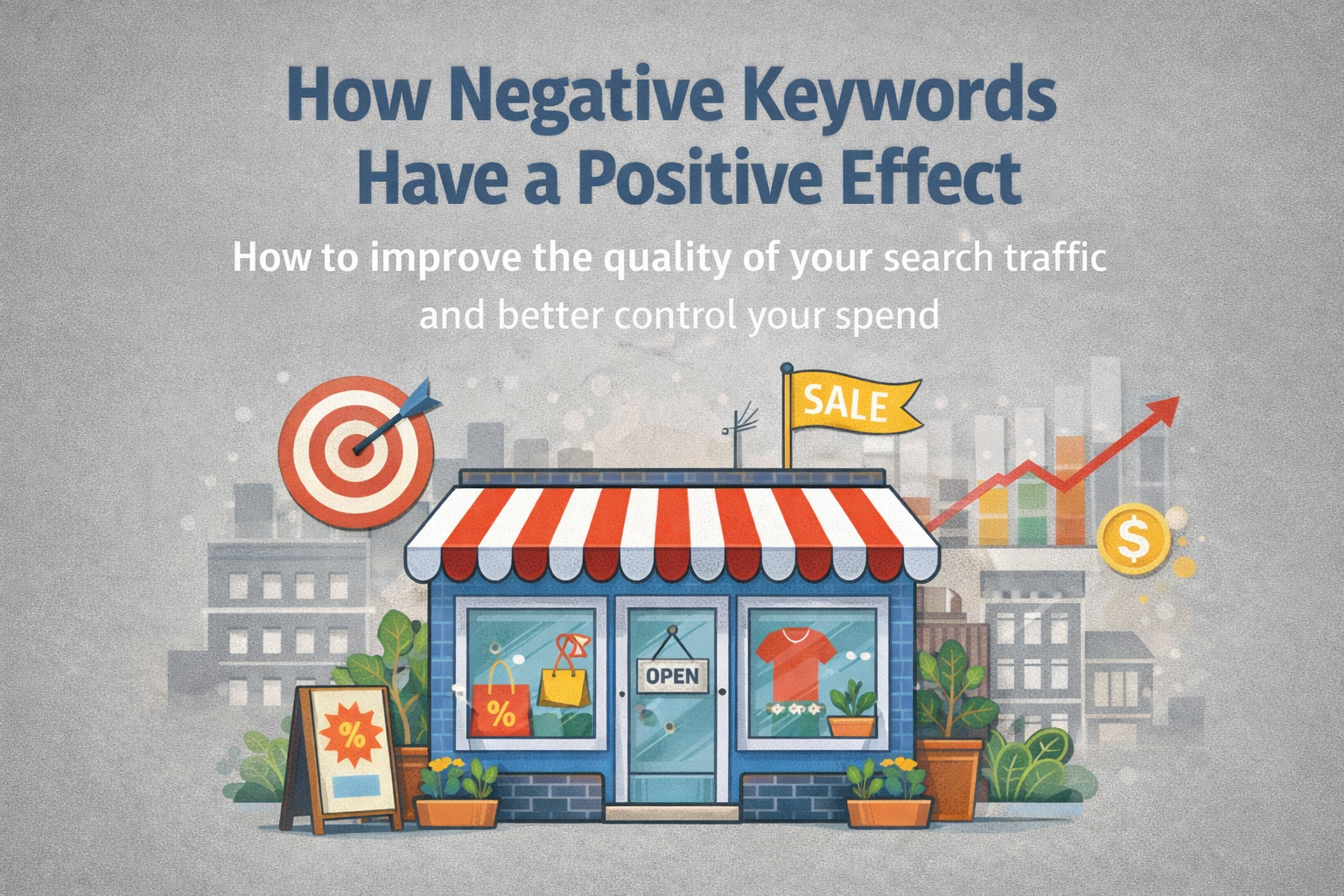
Negative keywords are one of the simplest levers in Google Ads, but they have a large impact on account performance. When used correctly, they can stop your ads from showing for irrelevant searches, avoid wasted spend, allow you to utilise your budget more efficiently, improve conversion quality, and make performance data cleaner and easier to scale. If high spend, low converting, and irrelevant terms are ignored, they can quietly drain spend and make your campaigns look expensive when the real problem is relevance.
Below we’ve outlined how to think about negative keywords strategically, from day one account setup to ongoing search term management, account-wide negative keyword lists, and research-based/low-intent terms.
Negative Keywords and Their Types
When creating a PPC campaign, you can use broad match, phrase match, and exact match negative keywords. Negative keywords allow you to exclude specific search terms, helping you focus on your ideal customers and utilise your budget more efficiently. Implementing negative keywords can prevent your ads from showing for irrelevant searches and help increase important KPI’s such as clickthrough rates, conversion rates, CPA, and ROAS.
Broad Match
This blocks terms that include all of your negative keywords and variations in any order. For example, if “free trial” was added as a negative broad match keyword, it would block additional variations such as “free trial software”, “get a free trial”, “try for free”, “low cost trial” etc. Negative broad match should be used if you are wanting to block a concept across a wider range of searches.
Phrase Match
When a phrase match negative keyword is used, the words in the phrase have to be searched in the same order as you wrote it with words allowed before and after. For example, if “free trial” was added as negative phrase match keyword, this would block terms such as “best free trial”, “free trial for CRM”, etc.
Exact Match
This blocks searches that match the negative keyword exactly with very limited variation. For example, “free trial” as a negative exact match keyword would block “free trial”, but would not block variations such as “best free trial” and additional variations. This is best used when wanting to exclude very specific queries.
Search Term Management and why it’s Important
Search term management helps play a key role in the success of a GoogleAds account.
Your keywords are what you want to appear for, whereas search terms are what users have actually searched for to trigger your ads (or close variants). A consistent search term management routine helps you:
- Stop irrelevant queries before they burn through your budget
- Identify new keywords that you should add and bid on
- Protect conversion rates by identifying and reducing low-intent terms and clicks
- Spot intent patterns
Efficient search term management helps to cut the dead weight, tighten the relevance of your ads and keywords, and intentionally shape the traffic that you are paying for. Instead of guessing what users mean when they search, you are responding to real intent with the right keywords, the right ads, the right landing pages, which is where sustainable improvements in performance come from. Negative keywords are not just saving money; they help shape the traffic you want to obtain and the cleaner your traffic, the faster you can scale what works for your account.
Account-wide Negative Keywords and Why They Matter
Adding negative keywords to campaigns one by one can become messy, inconsistent, and time-consuming. This is where account-wide negative keyword lists become valuable. Here is a list of reasons why account-wide negative keywords are beneficial:
- Consistency: your irrelevant terms are blocked across all relevant campaigns. If searches such as “jobs”, “careers”, or “DIY” are never valuable to you, an account-wide list ensures that they are blocked everywhere.
- They can save time: Once created, they can be added to multiple campaigns
- They give your account a consistent set of rules that prevents obvious wastage across all campaigns
- Better budget control: as new campaigns go live, shared negative keyword lists reduce the chance of budget leaking into irrelevant searches as you scale your account
Account-wide negative keywords are beneficial and important because they give your Google Ads account one consistent set of rules that prevents obvious wastage across your campaigns so that you don’t have to remember to add the same negative keywords to every campaign. They can also make your campaigns easier to manage and scale without undermining performance caused by irrelevant, high-spend and high wastage terms, therefore improving the profitability of your PPC account.
Using Negative Keywords to Prevent Cannibalisation (Cross-over spend)
What PPC managers call “cannibalisation” or “cross-over” happens when multiple campaigns or ad groups are eligible to show for the same search term and keyword. This can create inflated CPC’s as your own campaigns compete for the same term, inconsistent messaging as the wrong ad is shown, unclear performance data as the conversions are attributed to the wrong theme, and budget leakage as generic campaigns take high-intent terms and leads. Using negative keywords across specific ad groups can help to enforce a clear structure across the account.
Common cross-over themes include Brand vs. Non-brand. Your brand campaign should capture brand intent and searches whereas your generic campaigns should not. Adding brand term negatives to non-brand campaigns prevents brand terms from leaking into non-brand campaigns.
Negative keywords don’t just cut waste; They actively improve the shape of your traffic which in turn helps to improve lead and click quality, conversion rates, and the reliability of your data. This means better and improved optimisations and an overall better Cost per Acquisition (CPA) and Return On Ad Spend (ROAS).
Tricky Search Terms: Competitors and Research/Review-based Intent
Not all non-buying search terms are wasteful. Competitor queries and research-based terms often fall into the low-intent category, but at the same time, they can also prove to be very valuable across some PPC accounts by producing cheap wins and so you should carefully consider whether excluding such terms is truly the right move for your account.
For example, if you have a clear differentiator from your competitors, this could increase the chances of you “winning” the click from the user rather than your competitor. You can utilise certain ad angles, taking into account location advantages for those searching for a PPC agency as an example, including “Bristol-based PPC Specialists” within your ad copy to differentiate from nation-wide agencies. In this instance, allowing competitor search terms to display within your PPC account could be valuable.
Additionally, if someone is searching advice-based/research-based terms such as “how to fix a broken heel”, they’re looking for advice with almost zero intention to make a purchase, so a conversion is extremely unlikely in this instance. Searches including “how do I”, “how to”, “what do I”, etc don’t tend to come from people who are looking to purchase and should therefore as a general rule of thumb be part of your account-wide negative keywords lists.
Choosing the Right Negative Keywords for Your Account
Choosing the right negative keywords can seem like a minefield at first, as you want to ensure that you don’t negate potential terms that could be valuable to your PPC account, so the best place to start is with a list of terms that you would never want to appear in your account. These are terms that would be wasteful in all situations and should therefore be a priority in terms of exclusion. These are perfect for account level negative lists.
Starting with your “do not want” list/day one negative keywords list. If you are an e-commerce business selling goods, such terms could include: DIY, tutorial, jobs, gumtree, degree, training, course, second hand, ebay, etc. These are often safe terms to negate as they’re misaligned with buying intent for many businesses. These negative keywords can be grouped into themes such as “marketplace” or “education/learning” and you can decide if these belong at campaign or ad group level. Campaign level negatives are best for broad blockers like jobs or training, while ad group level negatives help prevent product overlap.
To take this a step further, you can build your list using regular search terms reviews inside Google Ads. As patterns appear, you can add consistent “non-buyer” terms to shared negative keywords lists to keep your traffic cleaner, protect your budget from being drained by irrelevant queries, and makes each round of search terms reviews faster to turn into clear, actionable optimisations.
You can then build on this negative keyword list by negating searches for products/services that you don’t sell. For example, if you don’t offer repairs, you would want to exclude this keyword as it is not relevant to your business and is guaranteed to generate wastage. This is where most of the right negatives can come from as you map your negative keywords to what you are offering.
Then, once your campaigns are running and generating search term data, you can add new negatives to your campaigns or ad groups directly from the search term report over time.
Additional Negative Keyword Tip
When reviewing your search term report, make sure to add search terms to both campaign and ad group levels to optimise performance, but also save time adding the same terms to different levels later.
This approach helps to keep your account structure clean and consistent. Use campaign-level negatives to block irrelevant themes across the whole campaign, and ad group level negatives to prevent overlap and steer traffic to the most relevant ad group. Over time, this will lead to tighter intent matching and better control over your spend.
Post Author
Abbie is a Senior PPC Specialist at Touchpoint PPC with over 11 years of industry experience. She has planned, launched and optimised thousands of campaigns for hundreds of well known brands, delivering measurable growth and generating millions in revenue. Abbie is highly proficient across Google Ads, spanning Search, Shopping, Display, Performance Max and YouTube, and supports both eCommerce and lead generation clients worldwide. With a rigorous, data led approach and deep platform knowledge, she builds scalable full funnel strategies that balance efficiency with sustained performance.
Like what you've read? Find out how we can help you!

Want More Content Like This? Check Out The Touchpoint Method™ on YouTube
Step inside the Touchpoint Method™. Our founder, Will Cameron, breaks down advanced tutorials, proven frameworks, and real world case studies that show exactly how eCommerce brands can unlock more sales and profit from Google Ads. Watch how we cut wasted spend, scale campaigns, and drive measurable growth using the same strategies we implement for our clients.